
Give every deadline a next step
See upcoming and overdue work across grants. Assign a task, record a blocker, or mark it complete.
CivicFolio
Checking the latest records and decisions.
For municipal staff and consultants, CivicFolio keeps grant applications, funded projects, and reimbursements in one workspace. See each grant's deadlines, missing files, and assigned tasks.
See upcoming deadlines, open tasks, and incoming files across your grants. Open any task to continue the work.
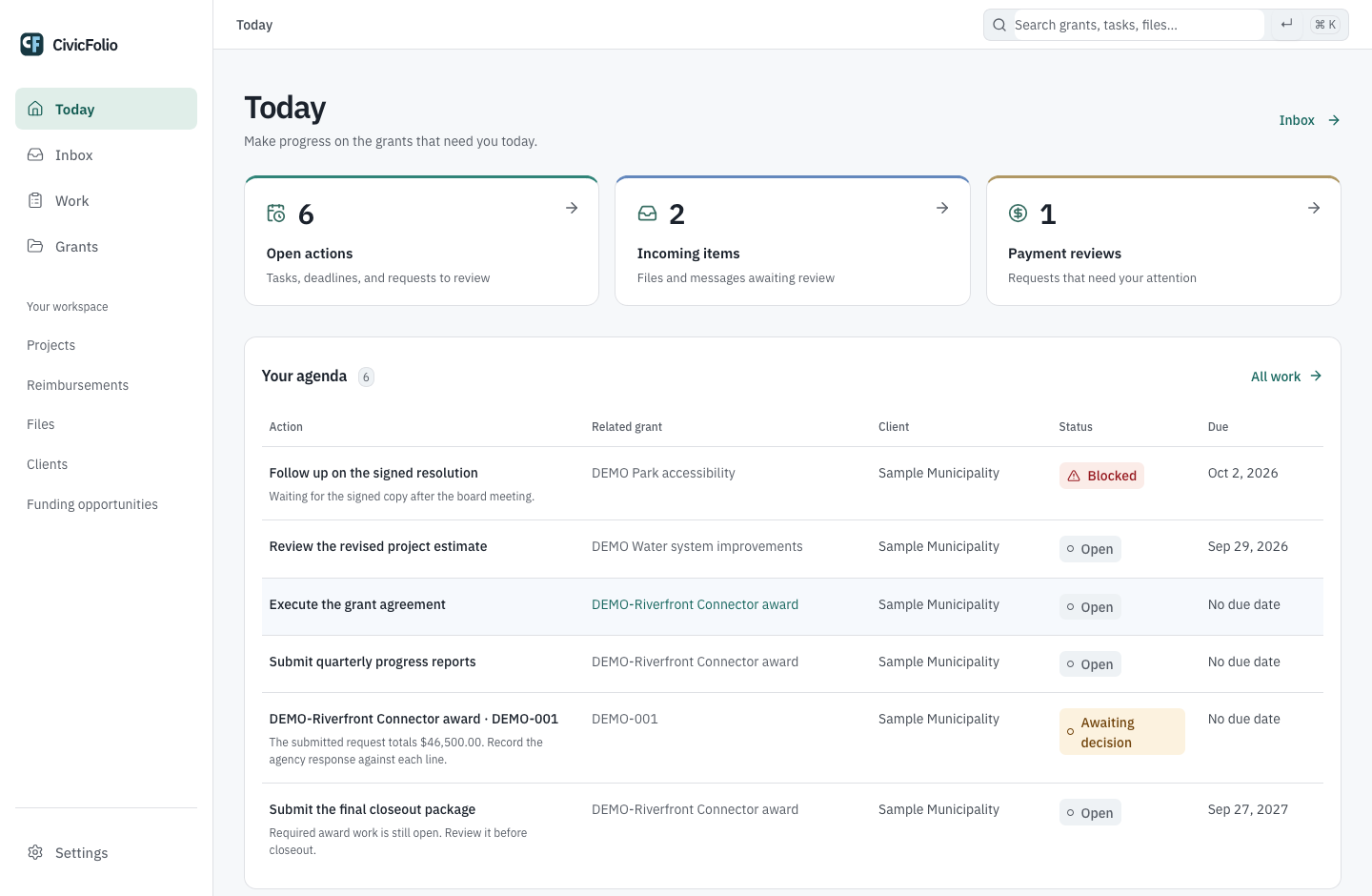
Keep deadlines, estimates, and signed resolutions with the grant so you can review the current work and its supporting files.
See upcoming and overdue work across grants. Assign a task, record a blocker, or mark it complete.
Keep a message or file with the application it affects. See which version has been reviewed and approved.
Track the application requirements, filing receipt, and agency decision. Carry approved funding into its award.
Compare each submitted line with the agency’s decision and payments received. Keep the supporting files beside the amounts.
Go into the next board meeting with the deadlines, missing approvals, and agency responses at hand.
Explore municipalitiesMove between clients with the current work in view. Find the next deadline and the supporting files without rebuilding the grant history.
Explore consulting firmsTalk with us about the grants your organization manages, or review the product tour with fictional records.
Product tour available without signing in